

Sep
Color Grading
Gamma in DaVinci Resolve Means Two Completely Different Things
I have been using DaVinci Resolve for years, but recently I stopped to think about something I had never really separated properly in my head.
Resolve uses the word Gamma in two completely different places.
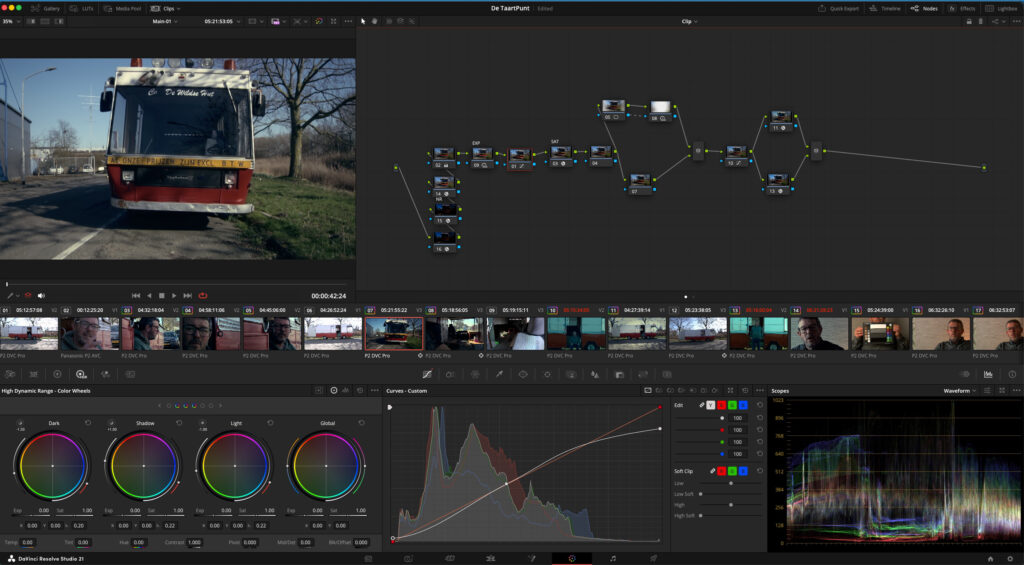
There is the Gamma control in the Primaries, sitting between Lift and Gain.
And then there is Gamma at the node level, where you can change the processing Gamma of a node to something like Linear.
They share the same word, but they are talking about two completely different things.
Gamma in the Primaries is a grading control
When we talk about Lift, Gamma and Gain, we are talking about tonal regions.
Very broadly:
- Lift works toward the darker part of the image.
- Gamma works mainly through the midtones.
- Gain works toward the brighter part of the image.
So when I move the Gamma wheel, I am essentially saying:
I want this adjustment to happen primarily around this tonal region of the image.
I am not changing the Gamma encoding of the image.
That is the first distinction.
Gamma at the node level is about how the numbers are represented
This is a completely different question.
In my normal color-managed setup I grade in:
DaVinci Wide Gamut / DaVinci Intermediate.
DaVinci Wide Gamut describes the color space — essentially what the RGB values mean chromatically.
DaVinci Intermediate is the transfer function. It describes how the scene’s light values are encoded numerically while I am grading.
Normally, the tools inside my nodes are working on those DaVinci Intermediate numbers.
So conceptually:
Camera
→ Input Transform
→ DWG / DaVinci Intermediate
→ My grading nodes
→ Output Transform
→ Rec.709 / Gamma 2.4
→ Monitor
DaVinci Intermediate is therefore not the image I am ultimately supposed to see on my monitor.
It is the internal working representation I am grading inside.
The output transform eventually takes that much larger scene-referred image and maps it to my chosen display space.
So what happens when I change a node to Linear?
This is where things became much more interesting for me.
If I change the Gamma of a node from DaVinci Intermediate to Linear, I am not using the Gamma wheel.
I am telling Resolve:
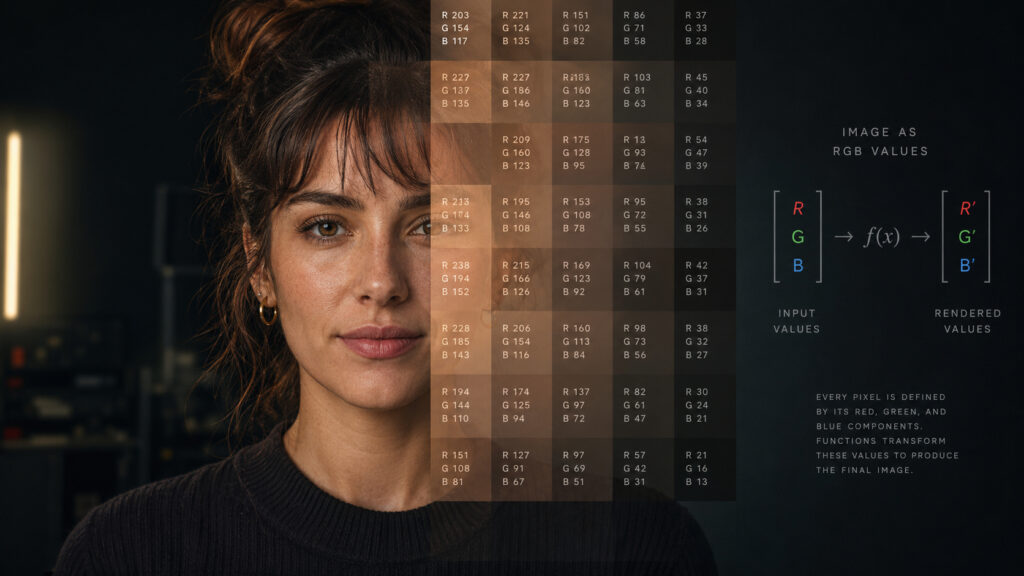
For the calculations happening inside this node, I want the RGB values represented as Linear light.
Conceptually Resolve is doing something like this:
DWG / Intermediate
→ DWG / Linear
→ perform the node adjustment
→ DWG / Intermediate
The next normal node continues working in DaVinci Intermediate.
So I have not suddenly converted my whole grade to Linear.
I have temporarily asked Resolve to use a different mathematical representation because a particular operation makes more sense there.
That distinction is important.

Why would I want to do that?
A good example is exposure.
In Linear light, doubling a value actually represents doubling the amount of light:
×2 = one stop more exposure.
The same idea becomes interesting for white balance.
If I treat white balance as changing the relative gain of the red, green and blue channels, then doing that multiplication while those values are proportional to light is mathematically very clean.
That is why using Gain inside a Linear node can produce such an interesting white-balance workflow.
But this does not mean:
Linear is better, so turn every node Linear.
That would completely miss the point.

A Linear node is not an upgraded node
This might be the most important part.
Changing a node to Linear does not suddenly make every Resolve tool inside it more accurate.
It simply changes the mathematical domain in which those tools operate.
So the better question is:
What am I trying to do?
If I am trying to change something that behaves like physical light — exposure, RGB channel gain, adding light — Linear may be a very logical place to perform that operation.
If I am saying:
I want the shadows slightly cooler.
I want more contrast.
I want the mids brighter without pushing the highlights.
Now I am talking about how I want the picture to look, rather than how the physical light should behave.
Those are perceptual grading decisions.
And a log-like working space such as DaVinci Intermediate can be much more useful for that kind of work.
So I have started using this simple distinction:
Linear asks: what should happen to the light?
Perceptual grading asks: what should happen to the appearance?
It is not a perfect rule for every operation, but it gives me a much better way of deciding why I would change the processing space of a node in the first place.
And it also explains something that confused me for a long time:
The Gamma wheel and Node Gamma are not two versions of the same control.
One selects a tonal region.
The other selects the mathematical representation in which the operation happens.
Same word.
Completely different job.
